First run
- Open
https://<host>:8991. Your browser warns about Backuparr’s self-signed certificate the first time; see HTTPS. Plain HTTP onhttp://<host>:8990works too. - Create the admin account on the setup screen. Rebuilding a server? Choose to restore Backuparr there instead.
- Backuparr shows your encryption key. Save it in a password manager before you continue: you need it to restore Backuparr.
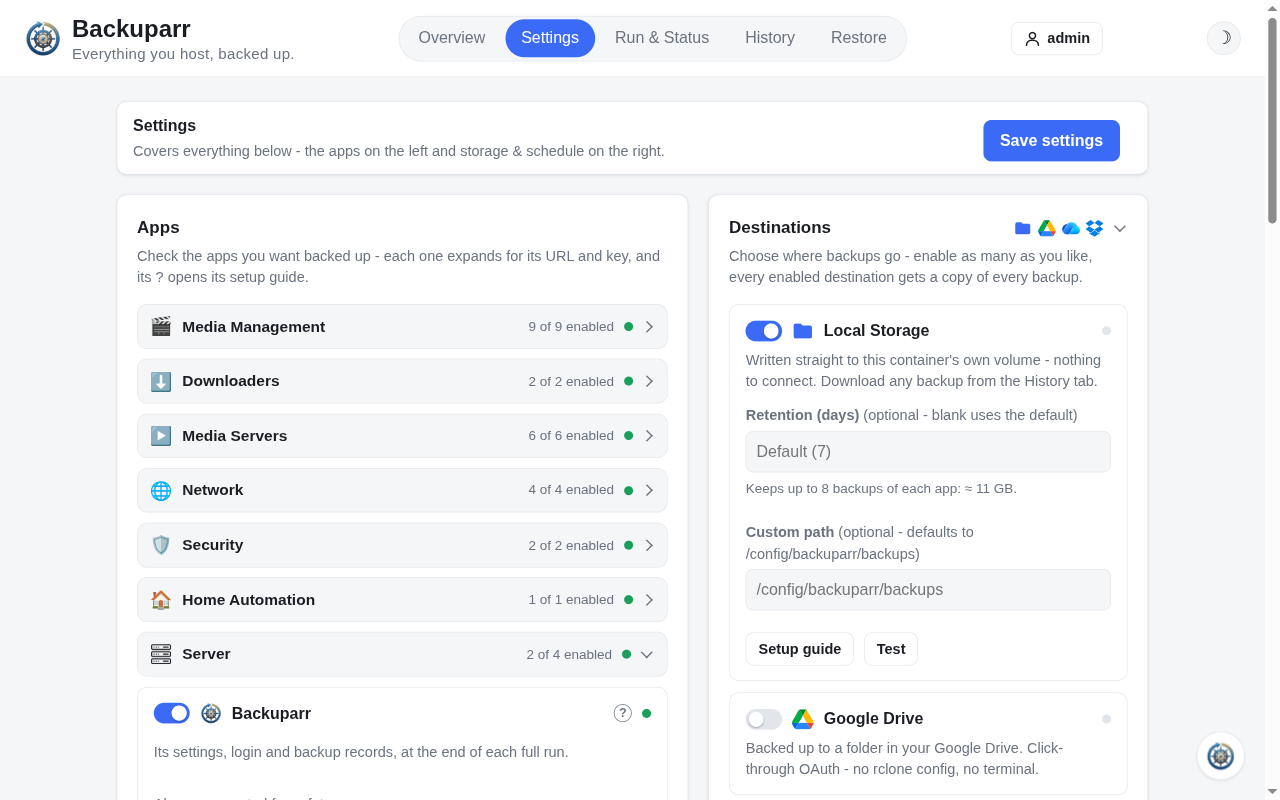
- On the Settings tab, switch on each app to back up, enter its URL (e.g.
http://radarr:7878on the same Compose network, orIP:portfor apps on host networking) and its API key, and click Test connection. Using Prowlarr? Set it up first and click Discover services - see Prowlarr discovery. - Enable at least one destination.
- Set retention and a schedule under Schedule & Notifications.
- Click Save settings.
Then click Run backup now on Run & Status to make your first backup. See Backups and history for the schedule, retention, logs and the History tab, and Restoring for restores.